 BAR 01
Write the prompt
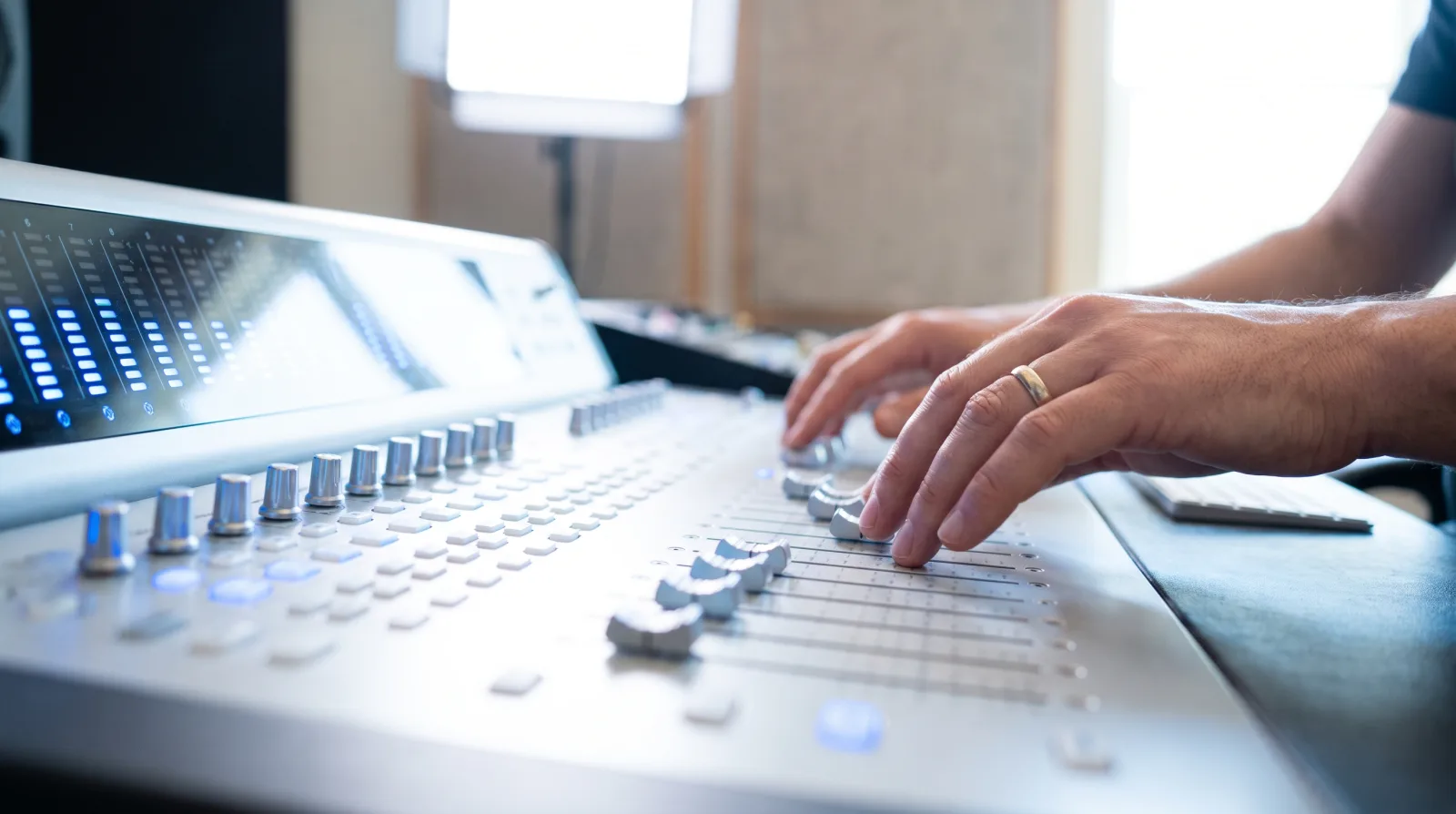
Genre, mood, tempo, instruments, reference feel — plain English. "Slow soul ballad, Rhodes, brushed drums, 68 BPM" is enough to start.
Input · text or lyricsOvertone turns one written sentence into a finished song — arrangement, vocals, separate stems and a master that is ready to upload. No session players, no mixing desk, no waiting for studio time.
Every track runs through the same four stages, and you can stop at any one of them. Change a line of the prompt and only the part you touched is re-rendered — the rest of the take stays exactly as you left it.
BAR 01
Genre, mood, tempo, instruments, reference feel — plain English. "Slow soul ballad, Rhodes, brushed drums, 68 BPM" is enough to start.
Input · text or lyrics BAR 02
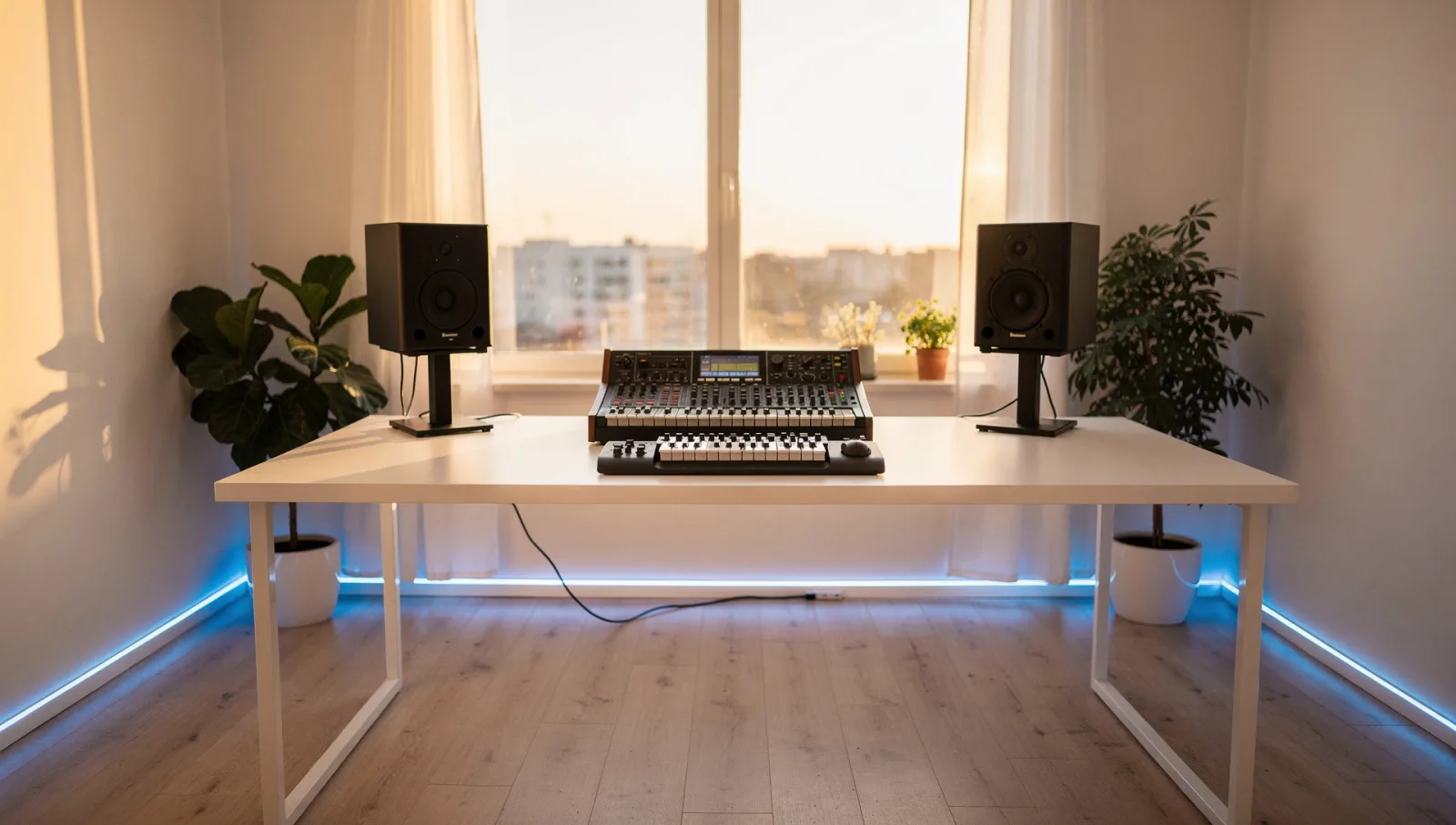
Drag section blocks to set intro, verse, chorus and outro. Lock the parts you like and regenerate only the ones you don't.
Structure · 30 s to 10 min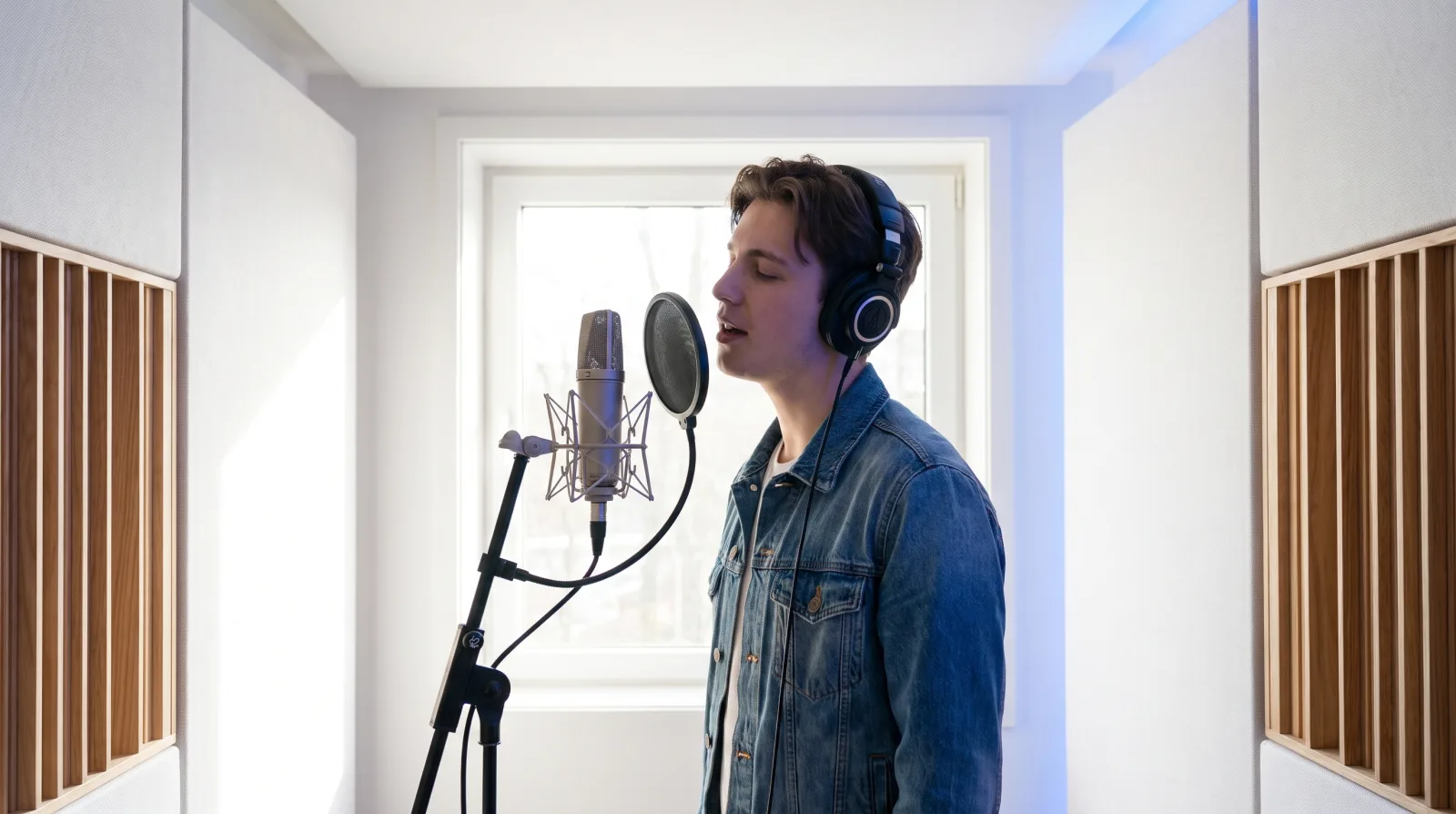 BAR 03
Paste your own lyrics or let Overtone write a draft, then pick a voice and a delivery. Any single line can be re-sung on its own.
Vocals · 14 voices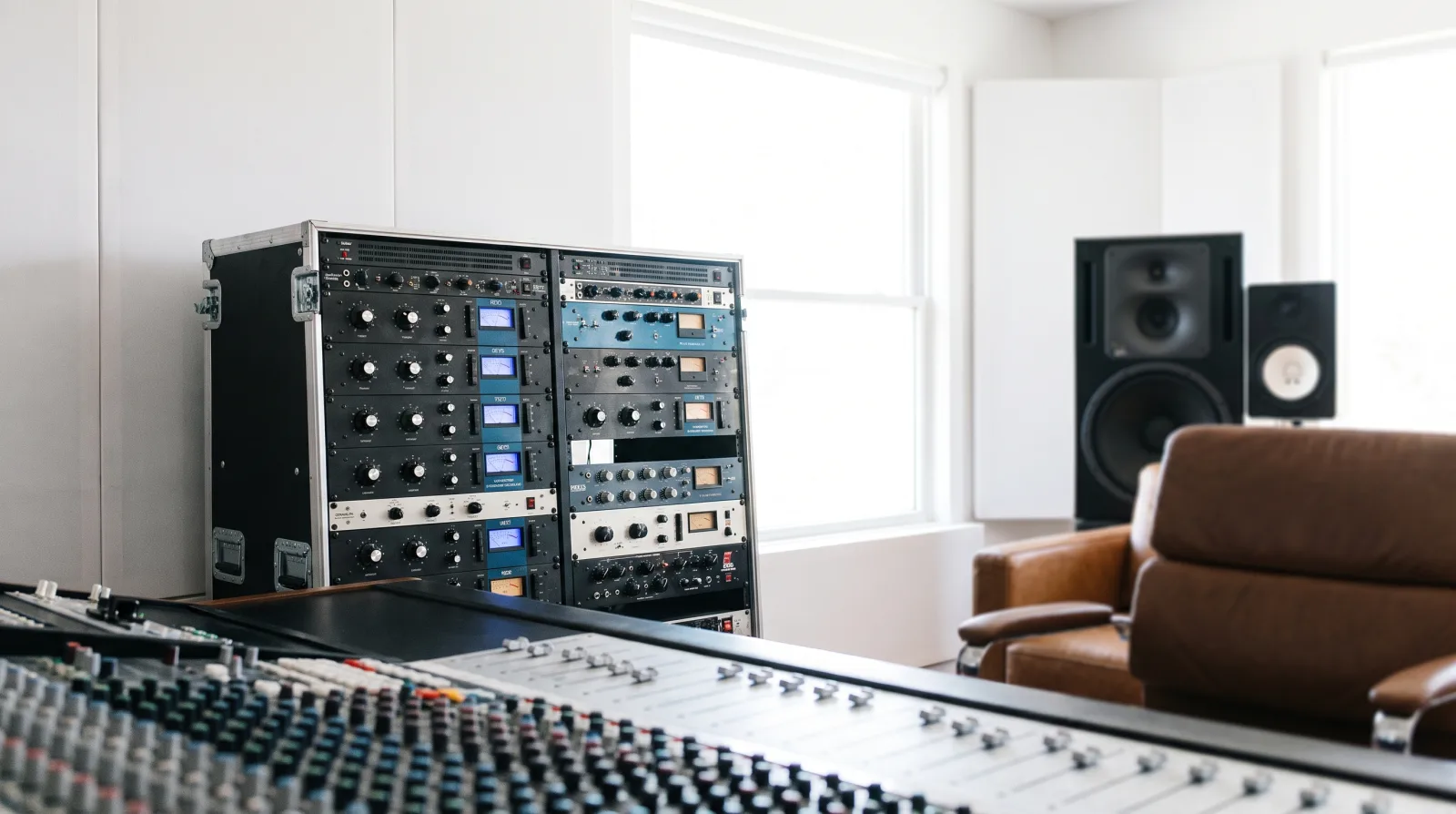 BAR 04
A mastering pass sets the level to −14 LUFS for streaming, then hands you the master, the stems and a licence certificate.
Output · WAV + MP3 + PDFNot a preview clip with a watermark. Every render hands over the files a distributor, an editor or a client will ask you for.
24-bit 48 kHz WAV and 320 kbps MP3, levelled to −14 LUFS so it sits at the same loudness as everything else on a playlist.
Drums, bass, harmony, lead and vocals, each exported on its own so you can remix in your own DAW.
Fourteen voices across four languages, with per-line re-takes.
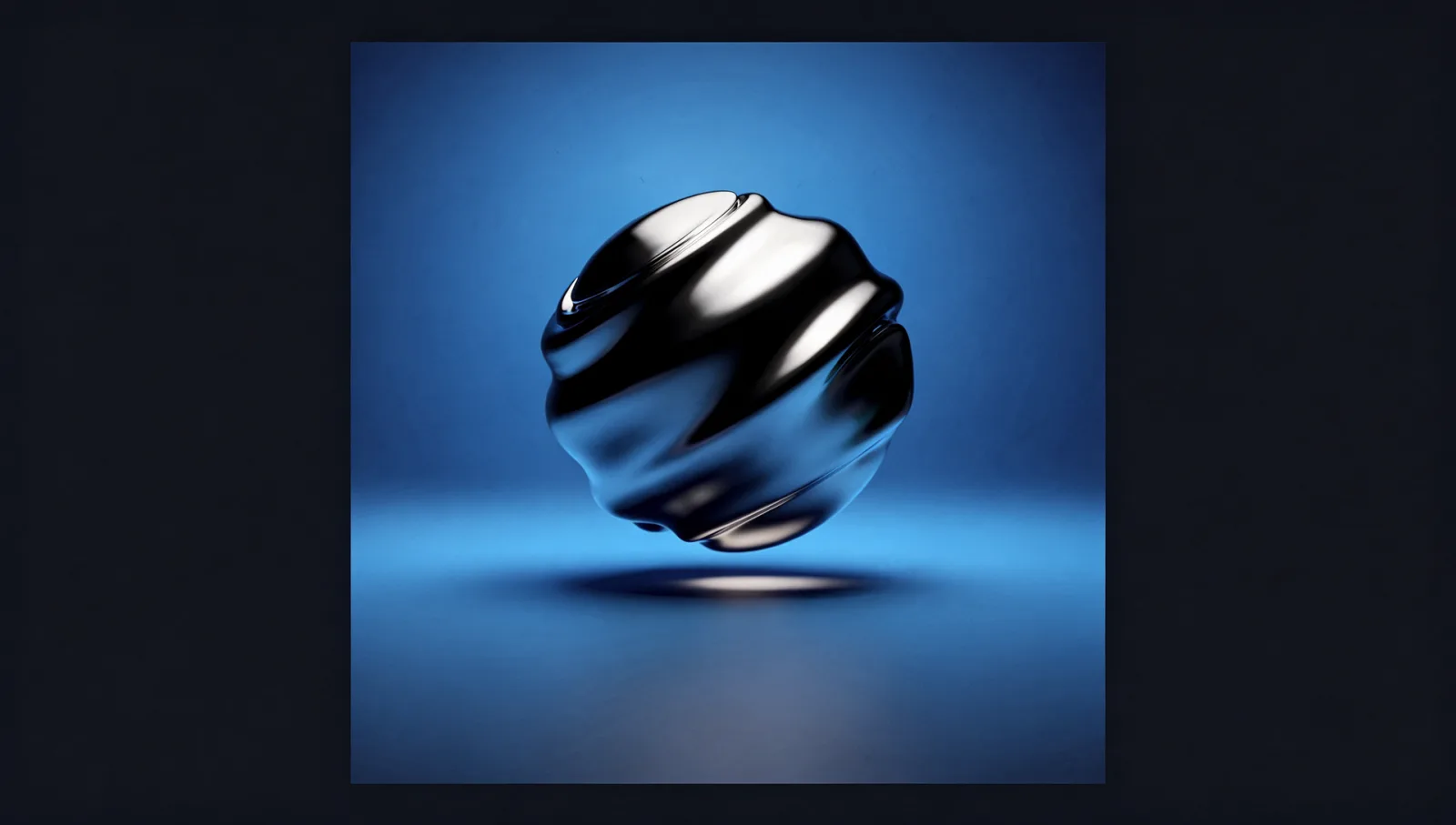
Square artwork built from the same prompt, sized for every store.
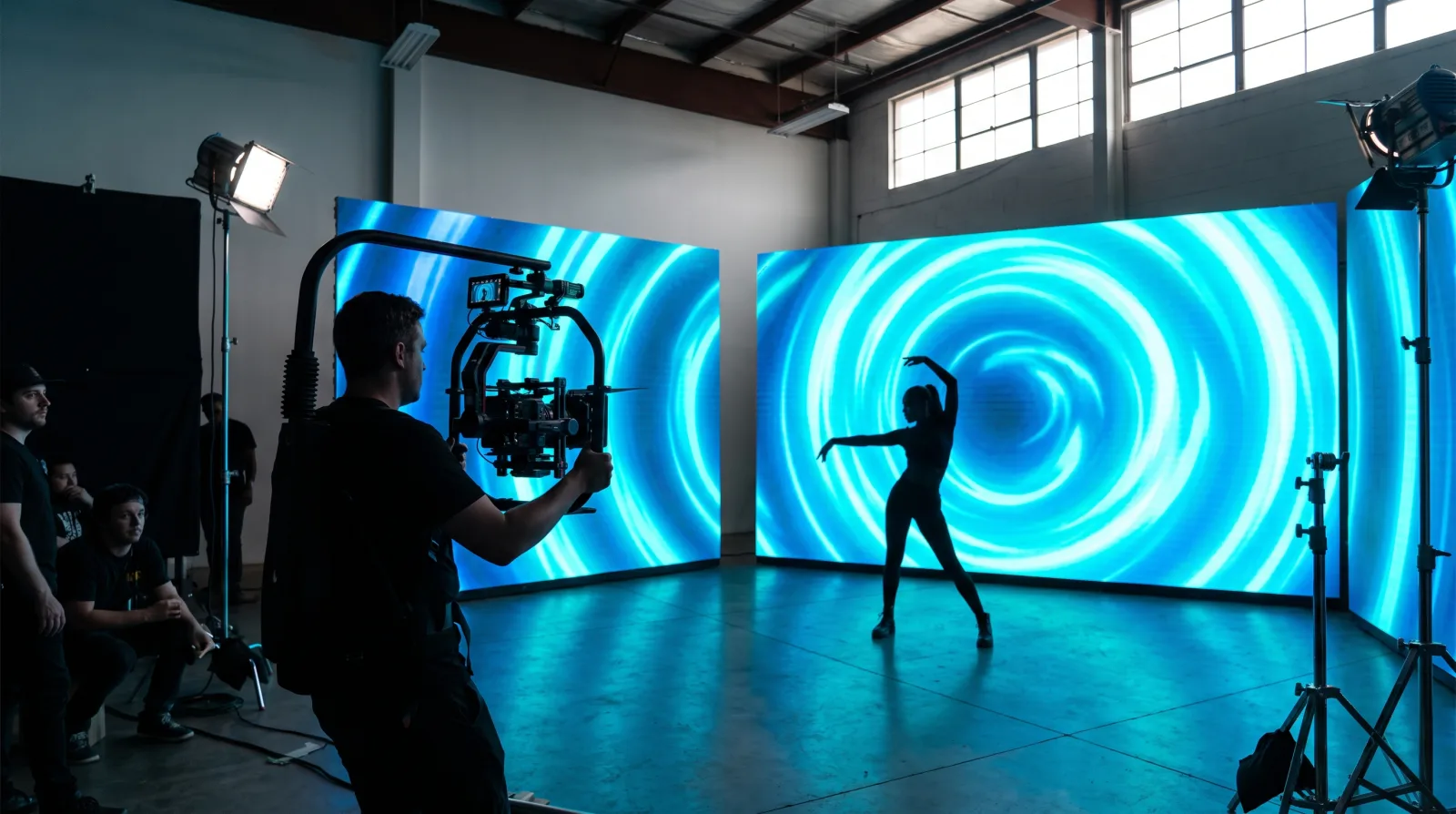
Vertical and square visualisers cut to the track, ready to post.
Each starting point is a prompt template with tempo, instrumentation and structure already set. Load one, change a word, keep going.
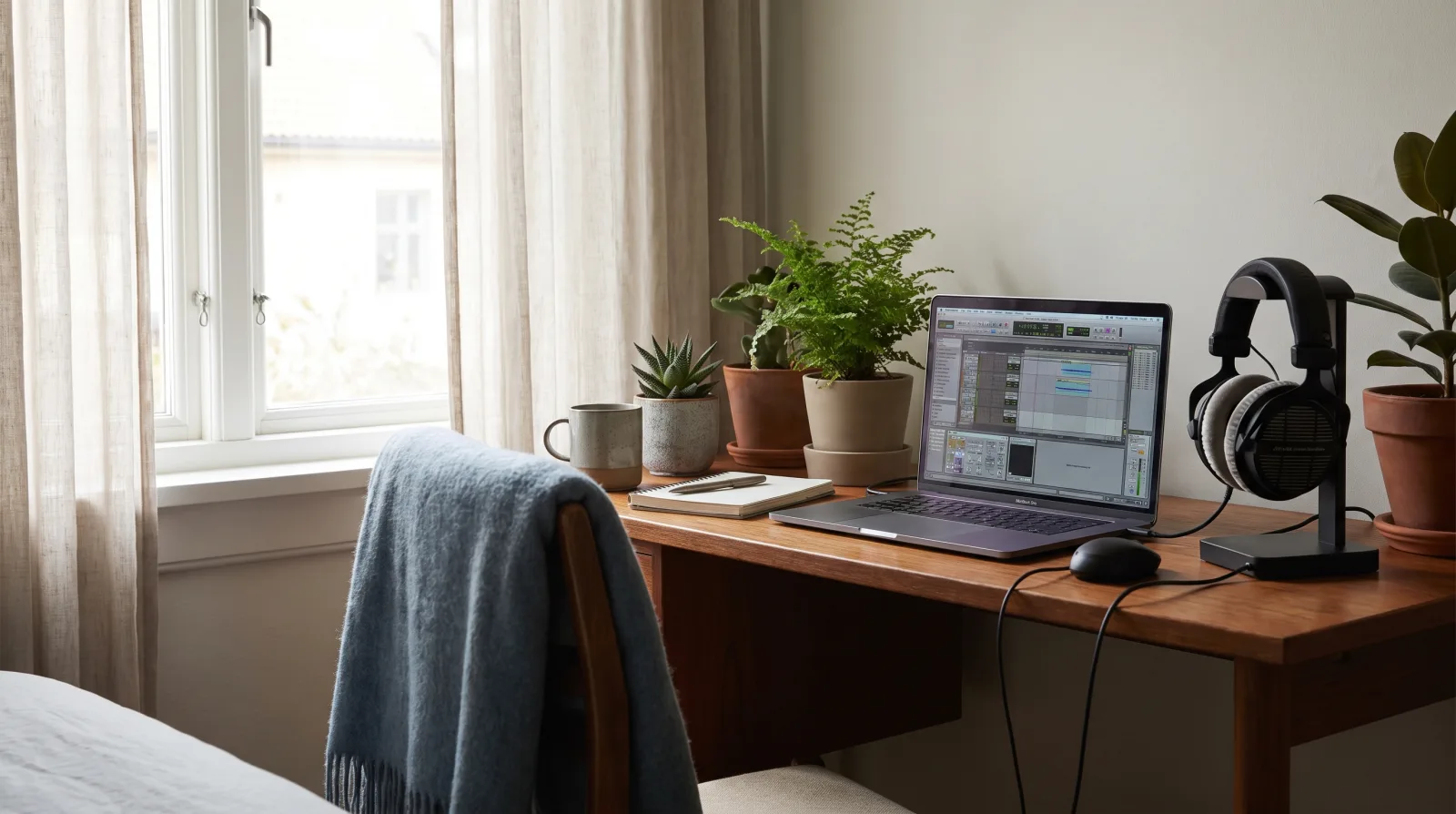
Dusty drums, tape wobble, 70–85 BPM. Loops cleanly for long-form video.

Four-on-the-floor, 120–128 BPM, with a build and drop already mapped.
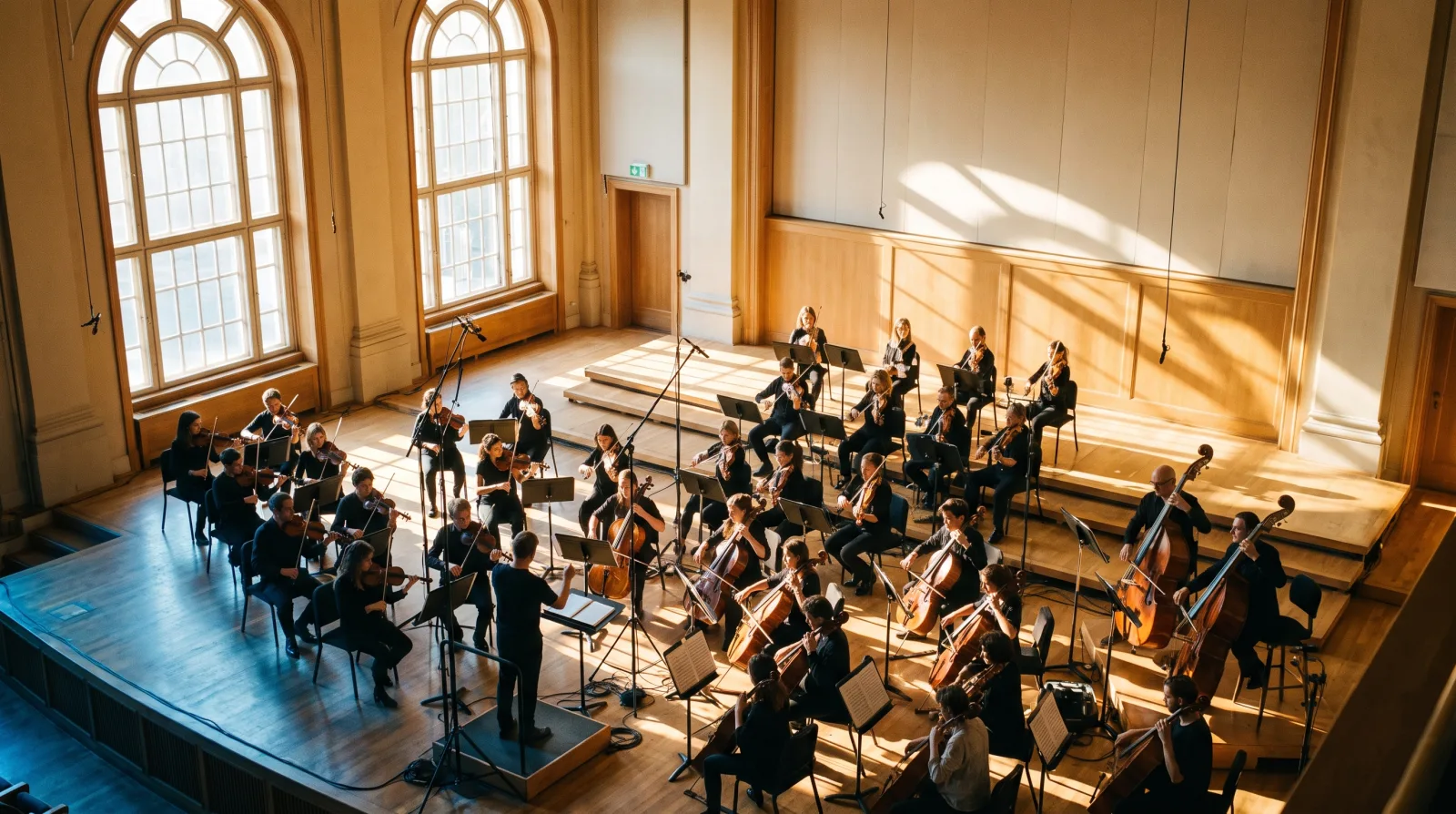
Strings, low brass and slow swells for trailers, documentaries and games.
Verse–chorus structure with a lead vocal and stacked harmonies.
Fifteen, thirty and sixty second cuts of the same theme, bounced together.
Hook in the first two seconds, arranged for vertical video and cutdowns.
Drag or swipe the crate
Monthly, cancel whenever. Commercial rights are included from the Creator plan up — nothing is retroactively withdrawn if you stop paying.
Prices in EUR, VAT added at checkout where it applies.
The things people ask before they upload anything to a store. Short answers, no small print games.
On the Creator and Studio plans you hold full commercial rights to every track you generate, including streaming, sync and advertising use. Tracks made on the Free plan are licensed for personal, non-commercial use only — upgrade and re-download to convert them.
Yes, on any paid plan. Each track ships with a licence certificate as a PDF that names the track, the date and your account — which is exactly what distributors and Content ID disputes ask you for.
Creator and Studio export drums, bass, harmony, lead and vocals as five separate 48 kHz WAV files. Studio adds MIDI for the melodic parts, so you can swap in your own instruments in your DAW.
About 40 seconds for a three-minute track, including the mastering pass. Arrangements up to ten minutes take around 90 seconds. Re-rendering a single section takes a few seconds because the locked parts are not touched.
Yes. Paste your lyrics, choose a voice and a delivery style, and the vocal is sung to your arrangement. If one line lands badly you can re-sing that line alone without losing the rest of the take.
No. Prompts that name a living artist's voice are refused. The voice models are built from licensed session recordings made with the singers' consent, which is also why the output is safe to monetise.
Tell us what you are making and we will open an account with the right plan and five free renders on it. No card needed to start.